
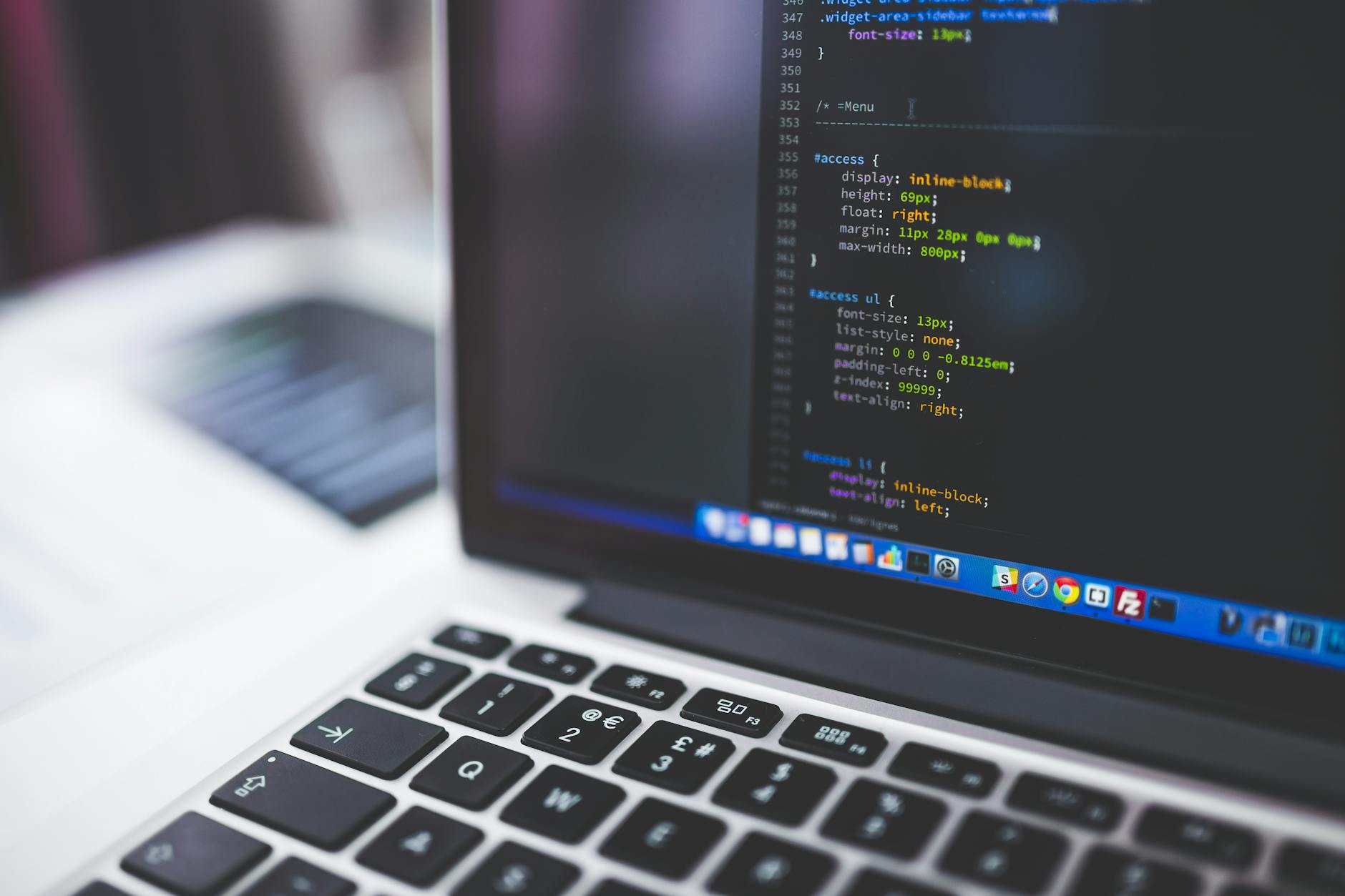
Learning web development is a rewarding and challenging journey, requiring dedication, persistence, and a willingness to continuously update your skills. With the ever-evolving landscape of the web, it's essential to stay ahead of the curve and master the latest technologies and trends. In this comprehensive web development tutorial, we'll take you through the fundamentals, best practices, and advanced techniques to help you become a proficient web developer.
Introduction to Web Development
Web development encompasses a broad range of skills, including programming languages, markup languages, databases, and design principles. To get started, you'll need to understand the basics of HTML, CSS, and JavaScript, as well as learn about databases and SQL. A solid foundation in these areas will enable you to build robust, scalable, and maintainable websites and applications. Additionally, familiarizing yourself with design tools like Photoshop and learning about e-commerce platforms like Shopify can help you create visually appealing and functional websites.
HTML, CSS, and JavaScript Basics
HTML, CSS, and JavaScript are the building blocks of web development. HTML (Hypertext Markup Language) is used for structuring content, while CSS (Cascading Style Sheets) is used for styling and layout. JavaScript is a programming language used for adding interactivity and dynamic effects to websites. In this section, we'll delve into the basics of each language and provide resources for further learning. For instance, an HTML CSS tutorial can help you understand how to create responsive and accessible websites.
HTML Fundamentals
HTML is the foundation of a website, providing the structure and content. Understanding HTML elements, attributes, and syntax is crucial for building a solid website. You can start by learning about basic HTML tags, such as headings, paragraphs, and links, and then move on to more advanced topics like forms and tables.
CSS and JavaScript Essentials
CSS is used to control the layout, visual styling, and user experience of a website. JavaScript, on the other hand, is used for client-side scripting, allowing you to create interactive and dynamic effects. A good understanding of CSS and JavaScript is essential for creating engaging and user-friendly websites. You can find many online resources, including tutorials and online degree programs, to help you learn these skills.
Databases and SQL
Databases are a critical component of web development, storing and managing data for websites and applications. SQL (Structured Query Language) is a standard language for managing relational databases. In this section, we'll introduce you to the basics of databases and SQL, including data types, queries, and indexing. A SQL tutorial can help you understand how to design, implement, and manage databases for your web applications.
A good understanding of databases and SQL is essential for building robust and scalable web applications. You'll learn how to create and manage databases, perform queries, and optimize database performance. Additionally, you'll understand how to integrate databases with your web applications using programming languages like PHP, Python, or Ruby.
Web Design and Development Tools
Web design and development involve a range of tools and software, including text editors, integrated development environments (IDEs), and design tools like Photoshop. In this section, we'll introduce you to some of the most popular tools and software used in web development. For instance, a Photoshop tutorial can help you learn how to create visually appealing graphics and designs for your website.
Text Editors and IDEs
Text editors and IDEs are essential tools for web development, providing a platform for writing, editing, and debugging code. Some popular text editors include Sublime Text, Atom, and Visual Studio Code, while popular IDEs include Eclipse, NetBeans, and IntelliJ IDEA. You'll learn how to use these tools to write, debug, and optimize your code.
Design Tools and E-commerce Platforms
Design tools like Photoshop and Sketch are used for creating visual designs and graphics for websites. E-commerce platforms like Shopify provide a comprehensive solution for creating and managing online stores. You'll learn how to use these tools to create visually appealing and functional websites, as well as how to integrate them with your web applications.
Practical Tips and Step-by-Step Guide
Now that you've learned the fundamentals of web development, it's time to put your skills into practice. In this section, we'll provide a step-by-step guide to building a simple website using HTML, CSS, and JavaScript. You'll learn how to create a basic website structure, add content and styles, and implement interactive effects using JavaScript.
Here's a step-by-step guide to get you started:
- Plan and design your website, including the structure, layout, and visual design.
- Write the HTML code for your website, including the basic structure and content.
- Add CSS styles to your website, including layouts, colors, and typography.
- Implement interactive effects using JavaScript, including event handlers and animations.
- Test and debug your website, ensuring it works correctly and is free of errors.
Comparison of Web Development Frameworks
There are many web development frameworks available, each with its strengths and weaknesses. In this section, we'll compare some of the most popular frameworks, including React, Angular, and Vue.js. The following table provides a comparison of these frameworks:
| Framework | Language | Learning Curve | Community Support |
|---|---|---|---|
| React | JavaScript | Steep | Large |
| Angular | JavaScript | Steep | Large |
| Vue.js | JavaScript | Gentle | Growing |
This comparison table provides a brief overview of each framework, including the language, learning curve, and community support. You can use this information to choose the best framework for your web development needs.
Conclusion and Next Steps
In conclusion, web development is a complex and rewarding field, requiring a broad range of skills and knowledge. By following this web development tutorial, you've learned the fundamentals of HTML, CSS, and JavaScript, as well as databases and SQL. You've also been introduced to design tools and e-commerce platforms, and provided with practical tips and a step-by-step guide to building a simple website.
To further your learning, you can explore online degree programs, tutorials, and courses that focus on specific areas of web development. Additionally, you can join online communities and forums to connect with other web developers and stay up-to-date with the latest trends and technologies.
Key Takeaways
In this comprehensive web development tutorial, you've learned about the fundamentals of web development, including HTML, CSS, and JavaScript. You've also been introduced to databases and SQL, design tools and e-commerce platforms, and provided with practical tips and a step-by-step guide to building a simple website. The key takeaways from this tutorial include:
- HTML, CSS, and JavaScript are the building blocks of web development.
- Databases and SQL are critical components of web development, storing and managing data for websites and applications.
- Design tools like Photoshop and e-commerce platforms like Shopify can help you create visually appealing and functional websites.
- A SQL tutorial, HTML CSS tutorial, and Photoshop tutorial can help you learn specific skills and technologies.
- Online degree programs and tutorials can provide a comprehensive education in web development.
By following this web development tutorial and continuing to learn and practice, you can become a proficient web developer and build a successful career in this exciting and rewarding field.
Frequently Asked Questions
What is the best way to learn web development for beginners?
The best way to learn web development for beginners is to start with the basics of HTML, CSS, and JavaScript. Online tutorials and coding boot camps can provide a comprehensive introduction to web development. Additionally, practicing with real-world projects and building personal websites can help solidify skills and gain experience.
How long does it take to become a proficient web developer?
The time it takes to become a proficient web developer varies depending on the individual's dedication, learning pace, and goals. Generally, it can take several months to a few years to develop a strong foundation in web development. With consistent practice and learning, beginners can become proficient in web development and start building complex projects.
What are the essential skills required for web development?
The essential skills required for web development include proficiency in programming languages such as HTML, CSS, JavaScript, and server-side languages like PHP, Ruby, or Python. Familiarity with databases, version control systems, and web frameworks is also crucial. Additionally, understanding of web design principles, user experience, and accessibility is important for building effective and user-friendly websites.
What is the difference between front-end and back-end web development?
Front-end web development focuses on the client-side of a website, dealing with user interface, user experience, and visual aspects. It involves working with HTML, CSS, and JavaScript to create interactive and responsive web pages. Back-end web development, on the other hand, focuses on the server-side, dealing with database integration, server-side logic, and API connectivity. It involves working with programming languages like PHP, Ruby, or Python to manage data and server-side functionality.
Can I learn web development on my own, or do I need to attend a coding boot camp?
While attending a coding boot camp can provide structure and guidance, it is possible to learn web development on your own. With the abundance of online resources, tutorials, and documentation available, self-motivated individuals can learn web development through self-study and practice. However, coding boot camps can provide valuable mentorship, feedback, and networking opportunities that can accelerate the learning process.
What are the best resources for learning web development, such as tutorials, books, and online courses?
Some of the best resources for learning web development include online platforms like FreeCodeCamp, Codecademy, and Udemy, which offer interactive tutorials and courses. Books like "HTML and CSS: Design and Build Websites" and "JavaScript and DOM Scripting" provide comprehensive guides to web development. Additionally, online communities like Stack Overflow, GitHub, and Reddit's r/webdev can provide valuable support, feedback, and resources for learning web development.