
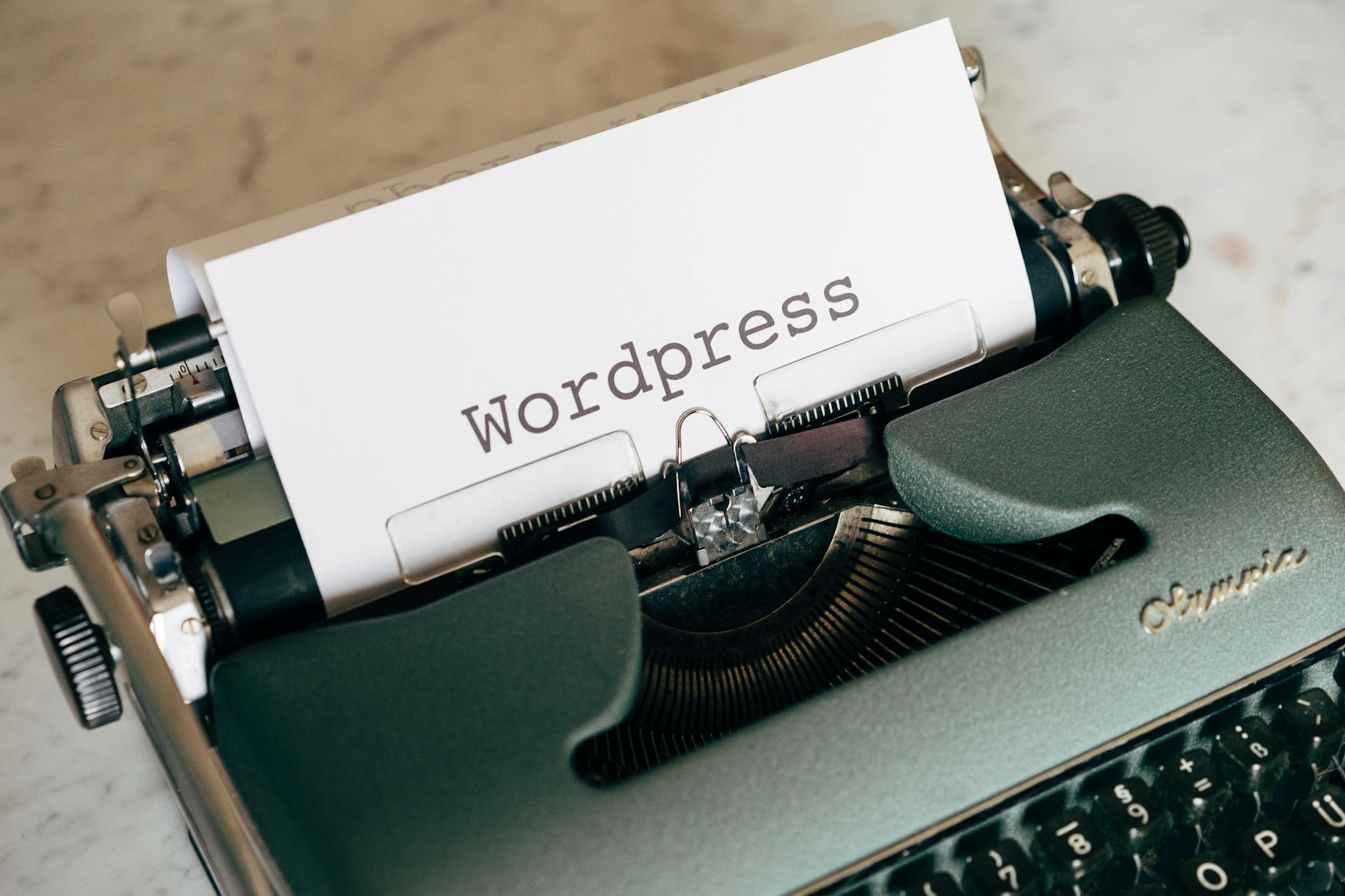
Building a website from scratch can be a daunting task, especially for those without prior experience in web development. However, with the right tools and guidance, anyone can create a professional-looking website. This is where WordPress comes in – a powerful content management system that powers over 40% of all websites on the internet. In this comprehensive WordPress tutorial, we will take you by the hand and guide you through the process of creating a website from start to finish.
Introduction to WordPress
WordPress is an open-source platform that offers a wide range of customization options, making it an ideal choice for bloggers, small businesses, and large corporations alike. With thousands of free and paid themes and plugins available, you can easily extend the functionality of your website and give it a unique look and feel. Whether you want to create a simple blog or a complex e-commerce site, WordPress has got you covered.
Before we dive into the nitty-gritty of WordPress, let's take a look at some of the benefits of using this platform. For one, it's free and open-source, which means that you can use it without paying any licensing fees. Additionally, WordPress has a large community of developers and users who contribute to its growth and development, ensuring that it stays up-to-date with the latest web technologies.
Setting Up Your WordPress Site
Now that we've covered the basics of WordPress, let's move on to setting up your site. This involves choosing a domain name, selecting a web hosting service, and installing WordPress on your site. Don't worry if this sounds like a lot of work – it's actually quite straightforward, and most web hosting services offer 1-click WordPress installation.
Choosing a Domain Name
When it comes to choosing a domain name, you want to make sure that it's memorable, easy to spell, and relevant to your brand. You can use online tools such as Namecheap or GoDaddy to search for available domain names and register them. Keep in mind that your domain name will be the address of your website, so choose wisely.
Selecting a Web Hosting Service
Once you've registered your domain name, you need to choose a web hosting service that meets your needs. Look for a service that offers reliable uptime, fast loading speeds, and excellent customer support. Some popular web hosting services include Bluehost, SiteGround, and HostGator.
Customizing Your WordPress Site
After setting up your WordPress site, it's time to customize it to your liking. This involves choosing a theme, installing plugins, and creating content. With thousands of free and paid themes available, you can easily find one that suits your brand and style. Additionally, you can use plugins to extend the functionality of your site and make it more interactive.
For those interested in learning more about web development, we recommend checking out a free Python course or a chatgpt tutorial to get started. Python is a popular programming language that's widely used in web development, and ChatGPT is a powerful AI tool that can help you generate content and automate tasks.
Creating Content in WordPress
Now that your site is set up and customized, it's time to create some content. This involves writing blog posts, creating pages, and uploading media files such as images and videos. WordPress makes it easy to create content, with a user-friendly interface that allows you to format your text, add images, and embed videos.
Writing Blog Posts
Writing blog posts is a great way to engage with your audience and share your knowledge and expertise. When writing a blog post, make sure to keep it concise, informative, and engaging. Use headings, subheadings, and bullet points to make your content easy to read and understand.
Optimizing Your Content for SEO
Search engine optimization (SEO) is crucial for getting your content noticed by search engines such as Google. To optimize your content for SEO, use relevant keywords, meta descriptions, and optimize your images. You can also use plugins such as Yoast SEO to help you with SEO optimization.
Marketing Your WordPress Site
Once you've created your content, it's time to market your site to the world. This involves promoting your site on social media, building an email list, and using paid advertising. You can also use email marketing tutorial to learn more about email marketing and how to create effective email campaigns.
For those interested in learning more about artificial intelligence basics, we recommend checking out online courses or tutorials that cover the fundamentals of AI and machine learning. AI is a rapidly growing field that's changing the way we interact with technology, and it's essential to stay up-to-date with the latest developments.
Comparison of WordPress with Other Platforms
WordPress is not the only content management system out there – there are many other platforms that offer similar functionality. Some popular alternatives to WordPress include Joomla, Drupal, and Magento. Here's a comparison table to help you decide which platform is best for you:
| Platform | Ease of Use | Customization Options | SEO Optimization |
|---|---|---|---|
| WordPress | Easy | High | Excellent |
| Joomla | Medium | Medium | Good |
| Drupal | Hard | High | Excellent |
If you're interested in learning more about web development, we recommend checking out the best coding bootcamp in your area. Coding bootcamps offer intensive training in web development, and they can help you get started with your career in tech.
Practical Tips and Step-by-Step Guide
Here are some practical tips and a step-by-step guide to help you get started with WordPress:
- Choose a reliable web hosting service that meets your needs
- Install WordPress on your site using 1-click installation
- Choose a theme that suits your brand and style
- Install plugins to extend the functionality of your site
- Create high-quality content that engages your audience
- Optimize your content for SEO using relevant keywords and meta descriptions
- Promote your site on social media and build an email list
By following these tips and steps, you can create a professional-looking website that attracts and engages your target audience.
Key Takeaways
In conclusion, WordPress is a powerful content management system that offers a wide range of customization options and flexibility. By following this comprehensive WordPress tutorial, you can create a professional-looking website that meets your needs and goals. Remember to choose a reliable web hosting service, install WordPress using 1-click installation, and customize your site using themes and plugins. Don't forget to create high-quality content, optimize for SEO, and promote your site on social media. With practice and patience, you can become a WordPress expert and create a website that attracts and engages your target audience. Whether you're a beginner or an experienced web developer, WordPress is an excellent choice for building a website, and we hope this tutorial has been helpful in getting you started. The WordPress tutorial has covered the basics of WordPress, and we hope you have found it informative and helpful. The WordPress tutorial is designed to be comprehensive and easy to follow, and we hope you will continue to use it as a reference as you build and maintain your website. The WordPress tutorial is just the beginning, and we encourage you to continue learning and exploring the many features and possibilities of WordPress.
The WordPress tutorial has also covered the importance of artificial intelligence basics and how they can be applied to web development. We have also discussed the benefits of taking a free Python course or a chatgpt tutorial to learn more about web development and AI. Additionally, we have mentioned the importance of email marketing tutorial and how it can help you create effective email campaigns. We hope you have found this information helpful and informative, and we encourage you to continue learning and exploring the many possibilities of web development and AI.
Finally, we want to emphasize the importance of choosing the best coding bootcamp to learn web development. A good coding bootcamp can provide you with the skills and knowledge you need to succeed in the tech industry, and we encourage you to do your research and find a bootcamp that meets your needs and goals. The WordPress tutorial is just the beginning, and we hope you will continue to learn and grow as a web developer. The WordPress tutorial has covered the basics of WordPress, and we hope you have found it informative and helpful. We encourage you to continue using the WordPress tutorial as a reference as you build and maintain your website, and we wish you the best of luck in your web development journey.
Frequently Asked Questions
What is the best way to learn WordPress for beginners?
The best way to learn WordPress for beginners is to start with the basics, such as understanding the dashboard, creating posts and pages, and customizing themes. Online tutorials and courses can provide a comprehensive introduction to WordPress. Additionally, practicing with a test site can help build confidence and skills. With dedication and patience, anyone can learn WordPress quickly.
How do I install WordPress and get started with my website?
To install WordPress, you can use the 1-click installation option provided by most web hosts or manually upload the files to your server. Once installed, you can log in to the WordPress dashboard and start customizing your site by choosing a theme, installing plugins, and creating content. It's also essential to configure the basic settings, such as setting the site title, time zone, and permalink structure. Following a step-by-step WordPress tutorial can guide you through the process.
What are the essential WordPress plugins for a new website?
Some essential WordPress plugins for a new website include security plugins like Wordfence or MalCare, SEO plugins like Yoast SEO or All in One SEO Pack, and caching plugins like W3 Total Cache or WP Super Cache. These plugins can help improve the site's performance, security, and search engine ranking. It's also important to choose plugins that are compatible with your theme and other plugins to avoid conflicts. A WordPress tutorial for beginners can provide more information on the best plugins to use.
How do I customize my WordPress theme and make it look unique?
To customize your WordPress theme, you can use the built-in theme options or the WordPress Customizer. The Customizer allows you to make changes to the site's layout, colors, and fonts in real-time. You can also use page builders like Elementor or Beaver Builder to create custom layouts and designs. Additionally, you can add custom CSS code to override the theme's default styles and make your site look more unique. A WordPress tutorial on theme customization can provide more detailed instructions.
Can I use WordPress for e-commerce and create an online store?
Yes, you can use WordPress for e-commerce and create an online store using plugins like WooCommerce or Easy Digital Downloads. These plugins provide a range of features, including payment gateways, shipping integrations, and product management. You can also use themes specifically designed for e-commerce to create a professional-looking online store. With WordPress, you can create a fully functional online store and start selling products or services quickly and easily. A WordPress tutorial on e-commerce can help you get started.
How often should I update my WordPress site and plugins to ensure security and performance?
It's essential to update your WordPress site and plugins regularly to ensure security and performance. You should check for updates at least once a week and install them as soon as they are available. This can help prevent hacking attempts and ensure that your site remains compatible with the latest browsers and devices. You can also use plugins like WP Updates Manager to automate the update process and receive notifications when updates are available. A WordPress tutorial on site maintenance can provide more information on keeping your site up-to-date and secure.