
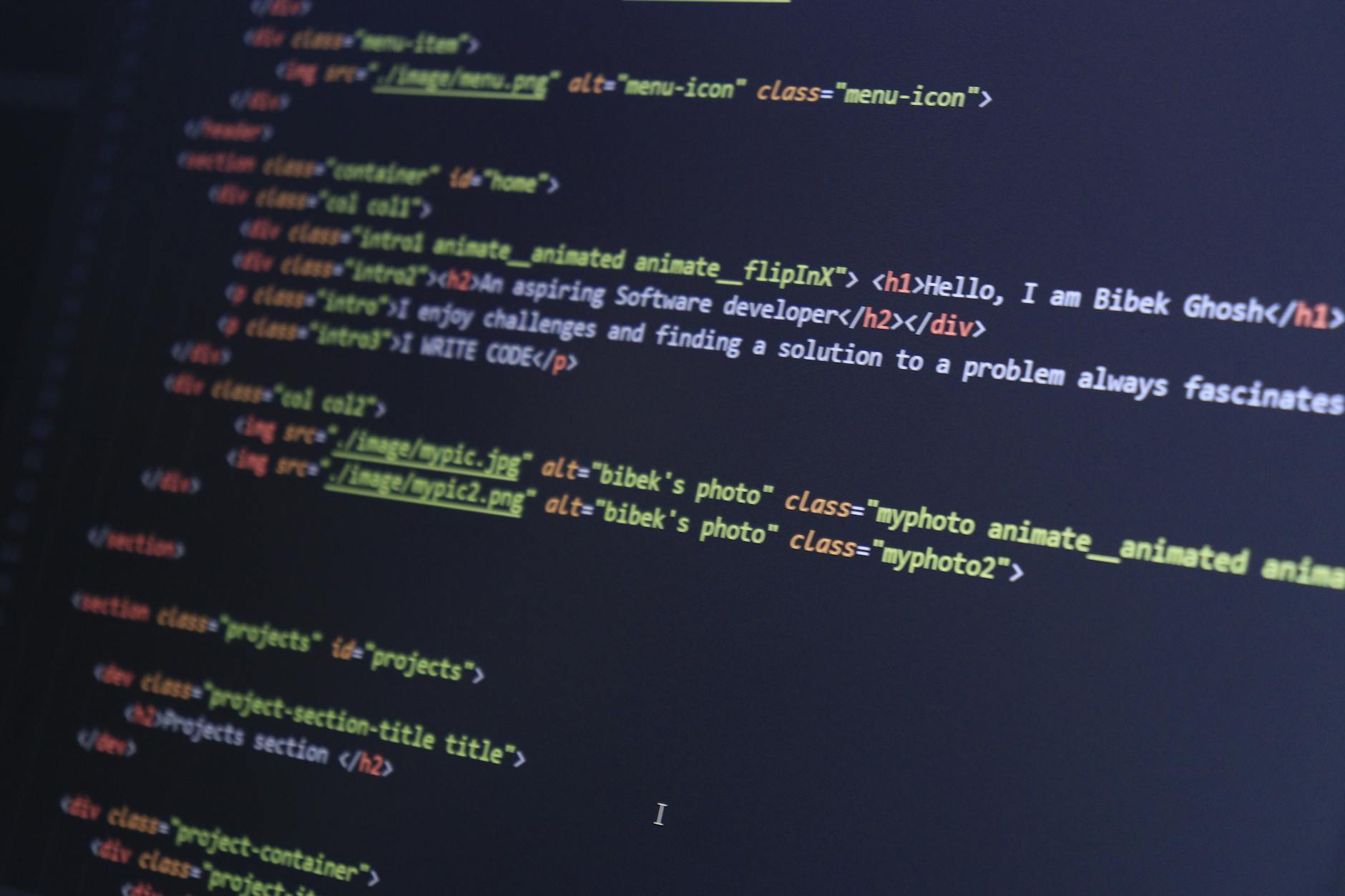
Learning HTML and CSS is a fundamental step in becoming a web developer, and it's a skill that can open doors to a wide range of career opportunities. Whether you're interested in building your own website, creating web applications, or working as a freelancer on platforms like Fiverr, having a solid grasp of HTML and CSS is essential. In this comprehensive HTML CSS tutorial, we'll take you through the basics of these two programming languages and provide you with the knowledge and skills you need to get started.
Introduction to HTML and CSS
HTML (Hypertext Markup Language) is used to create the structure and content of a web page, while CSS (Cascading Style Sheets) is used to control the layout and visual styling of a web page. Together, these two languages form the foundation of web development, and are used by web developers to build everything from simple websites to complex web applications. If you're new to web development, you might also be interested in learning about other technologies like blockchain, which is covered in our blockchain tutorial.
Basic HTML Concepts
In this section, we'll cover the basic concepts of HTML, including elements, attributes, and tags. HTML elements are represented by tags, which are surrounded by angle brackets (< >). Attributes are used to provide additional information about an element, and are typically added to the start tag. For example, the <p> element is used to define a paragraph of text, and can include attributes like style or class to provide additional styling information.
- Elements: The building blocks of HTML, represented by tags
- Attributes: Provide additional information about an element
- Tags: Used to define the start and end of an element
CSS Fundamentals
CSS is used to control the layout and visual styling of a web page, and is typically used in conjunction with HTML. There are three types of CSS styles: inline styles, internal styles, and external styles. Inline styles are added directly to an HTML element, while internal styles are added to the <head> section of an HTML document. External styles are added to a separate file, and are linked to an HTML document using the <link> element.
CSS Selectors
CSS selectors are used to target specific elements on a web page, and can be based on a variety of factors, including element name, class, and ID. For example, the .header class can be used to target all elements with the class header, while the #nav ID can be used to target a specific element with the ID nav.
CSS Properties
CSS properties are used to define the visual styling of a web page, and can include things like color, font, and background image. For example, the background-color property can be used to set the background color of a web page, while the font-size property can be used to set the font size of a heading element.
Building a Website with HTML and CSS
Now that we've covered the basics of HTML and CSS, let's build a simple website using these two languages. We'll start by creating a new HTML document, and adding some basic elements like headings, paragraphs, and links. We'll then add some CSS styles to control the layout and visual styling of our website.
Step-by-Step Instructions
Here's a step-by-step guide to building a simple website with HTML and CSS:
- Create a new HTML document using a text editor or code editor
- Add some basic HTML elements, like headings, paragraphs, and links
- Create a new CSS file, and add some basic styles to control the layout and visual styling of your website
- Link your CSS file to your HTML document using the <link> element
- Test your website in a web browser to make sure everything is working as expected
Comparison of Web Development Tools
When it comes to web development, there are a wide range of tools and technologies to choose from. Here's a comparison of some of the most popular web development tools:
| Tool | Description | Cost |
|---|---|---|
| WordPress | A popular content management system (CMS) for building websites | Free |
| Adobe Dreamweaver | A commercial web development tool for building and managing websites | $20/month |
| Microsoft Visual Studio Code | A free, open-source code editor for building and debugging web applications | Free |
If you're interested in learning more about WordPress, be sure to check out our WordPress tutorial. We also have a range of other tutorials and guides, including a blockchain tutorial and some Fiverr tips for freelancers.
Getting Started with Freelancing
If you're interested in getting started with freelancing, there are a few things you'll need to consider. First, you'll need to identify your skills and strengths, and decide what services you want to offer. You'll then need to create a profile on a freelancing platform like Fiverr, and start marketing your services to potential clients. For more information on how to get started with freelancing, be sure to check out our guide on how to start freelancing.
In addition to web development, there are many other skills that are in high demand on freelancing platforms. For example, video editing is a highly sought-after skill, and can be used to create a wide range of content, from social media videos to full-length films. If you're interested in learning more about video editing, be sure to check out our guide to the best video editing software.
Conclusion and Next Steps
In this comprehensive HTML CSS tutorial, we've covered the basics of these two programming languages, and provided you with the knowledge and skills you need to get started with web development. We've also covered some other topics, including blockchain, WordPress, and freelancing. Whether you're interested in building your own website, creating web applications, or working as a freelancer, we hope this tutorial has provided you with the information and inspiration you need to take your skills to the next level.
Key Takeaways
Here are the key takeaways from this HTML CSS tutorial:
- HTML is used to create the structure and content of a web page
- CSS is used to control the layout and visual styling of a web page
- There are three types of CSS styles: inline styles, internal styles, and external styles
- CSS selectors are used to target specific elements on a web page
- Freelancing is a great way to monetize your web development skills, and can be done on platforms like Fiverr
- Other skills, like video editing and blockchain development, are also in high demand on freelancing platforms
We hope this tutorial has been helpful, and we wish you the best of luck with your web development journey. Remember to keep practicing, and to always be looking for new ways to improve your skills and knowledge. With dedication and hard work, you can become a proficient web developer and start building the websites and applications you've always wanted to create. Whether you're interested in building a simple website or a complex web application, HTML and CSS are the foundation upon which all web development is built, and are essential skills for any web developer to have. By mastering HTML and CSS, you'll be well on your way to a successful career in web development, and will have the skills and knowledge you need to take on a wide range of projects and challenges. So why not get started today, and see where your web development journey takes you?
Frequently Asked Questions
What is the best way to learn HTML and CSS for beginners?
The best way to learn HTML and CSS is through online tutorials and practice. Start with basic HTML tags and gradually move on to more complex concepts like CSS styling and responsive design. You can find many free resources online, including video tutorials and coding exercises. Consistency and patience are key to mastering HTML and CSS.
How long does it take to learn HTML CSS tutorial and become proficient?
The time it takes to learn HTML and CSS depends on your dedication and the amount of time you can commit to learning. With consistent practice, you can learn the basics of HTML and CSS in a few weeks. However, becoming proficient in HTML and CSS takes time and practice, typically several months to a year or more. It's also important to stay up-to-date with the latest developments and best practices in web development.
What are the benefits of learning HTML and CSS for web development?
Learning HTML and CSS is essential for web development as it allows you to create and design websites from scratch. HTML and CSS are the building blocks of the web, and knowing how to use them gives you control over the structure and appearance of your website. Additionally, having HTML and CSS skills can improve your career prospects and open up new opportunities in the field of web development.
Do I need to know JavaScript to learn HTML and CSS tutorial?
No, you don't need to know JavaScript to learn HTML and CSS. HTML and CSS are used for structuring and styling content, while JavaScript is used for adding interactivity to websites. While JavaScript is an important skill for web development, you can start learning HTML and CSS without any prior knowledge of JavaScript. Once you have a solid grasp of HTML and CSS, you can then move on to learning JavaScript.
What are some good resources for learning HTML and CSS for beginners?
There are many good resources for learning HTML and CSS, including online tutorials, coding exercises, and video courses. Some popular resources include Codecademy, FreeCodeCamp, and W3Schools. You can also find many free tutorials and guides on YouTube and other websites. It's a good idea to try out a few different resources to see which one works best for you.
Can I use online HTML CSS tutorials to learn web development and get a job?
Yes, you can use online HTML CSS tutorials to learn web development and get a job. Many online tutorials and courses provide comprehensive training in web development, including HTML, CSS, and other skills. With dedication and practice, you can gain the skills and knowledge needed to pursue a career in web development. Additionally, many employers value self-taught web developers who have demonstrated their skills through personal projects and online portfolios.