
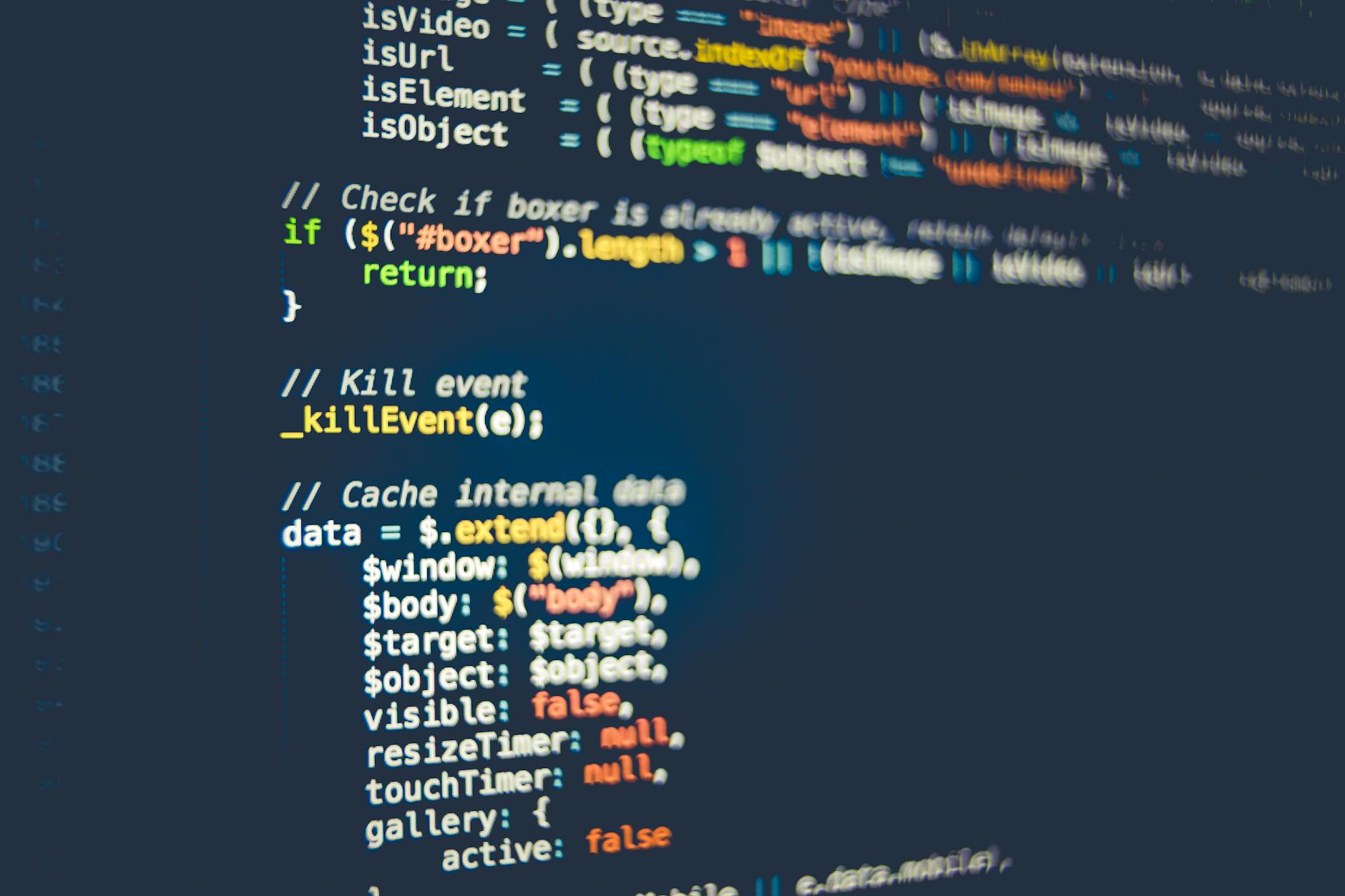
Node JS has revolutionized the way developers create scalable and high-performance server-side applications. As a popular JavaScript runtime environment, Node JS has gained widespread adoption among developers, startups, and enterprises alike. Whether you're a seasoned developer or just starting out, learning Node JS can open up new opportunities for building fast, efficient, and data-intensive applications. In this comprehensive Node JS tutorial, we'll take you on a journey from the basics to advanced concepts, with practical tips and examples to help you learn Node JS fast.
Introduction to Node JS
Node JS is built on Google's V8 JavaScript engine, which provides a fast and efficient way to execute JavaScript code on the server-side. With Node JS, you can create real-time web applications, RESTful APIs, and microservices that can handle a large number of concurrent connections. Node JS also provides a vast ecosystem of packages and modules, making it easy to find libraries and tools for various tasks, such as database management, authentication, and caching. If you're familiar with other programming languages, such as Python or Java, you'll find that Node JS has a unique set of features and benefits that set it apart from other platforms.
Setting Up Node JS
To get started with Node JS, you'll need to install it on your computer. The installation process is straightforward, and you can download the latest version of Node JS from the official website. Once installed, you can verify that Node JS is working correctly by running a simple command in your terminal or command prompt. If you're new to programming, you may also want to explore other tutorials, such as a Google Workspace tutorial or a Photoshop tutorial, to learn more about other tools and technologies.
Installing Node JS on Windows
Installing Node JS on Windows is a straightforward process. Simply download the installer from the official website, run it, and follow the prompts to complete the installation. You'll also need to install a code editor or IDE, such as Visual Studio Code, to write and run your Node JS code.
Installing Node JS on macOS or Linux
Installing Node JS on macOS or Linux is also easy. You can use a package manager, such as Homebrew on macOS or apt-get on Linux, to install Node JS. Alternatively, you can download the binary distribution from the official website and follow the installation instructions.
Verifying Node JS Installation
Once you've installed Node JS, you can verify that it's working correctly by running a simple command in your terminal or command prompt. Open a new terminal window, type node -v, and press Enter. You should see the version number of Node JS printed to the console. If you're interested in learning more about other technologies, you may also want to check out a Microsoft Office tutorial or a ChatGPT tutorial to learn more about AI-powered tools and productivity software.
Node JS Basics
Now that you've installed Node JS, it's time to learn the basics. Node JS is built around a few key concepts, including modules, callbacks, and asynchronous programming. You'll also need to learn about the Node JS ecosystem, including packages and modules, to build robust and scalable applications. To learn Node JS fast, focus on building small projects and exercises to practice your skills.
One of the key benefits of Node JS is its ability to handle asynchronous programming with ease. With Node JS, you can write efficient and scalable code that can handle a large number of concurrent connections. You can also use tools like ChatGPT to learn more about how to use Node JS and other technologies. To get started with how to use ChatGPT, simply ask it a question, and it will provide you with a response based on its training data.
Building Node JS Applications
Now that you've learned the basics of Node JS, it's time to start building applications. Node JS provides a vast ecosystem of packages and modules to help you build robust and scalable applications. You can use frameworks like Express JS to build web applications, or use libraries like MongoDB to interact with databases. To learn Node JS fast, focus on building small projects and exercises to practice your skills.
Here are some practical tips for building Node JS applications:
- Start small: Begin with simple projects and exercises to practice your skills.
- Use frameworks and libraries: Take advantage of the Node JS ecosystem to build robust and scalable applications.
- Focus on asynchronous programming: Node JS is built around asynchronous programming, so make sure you understand how to use callbacks and promises effectively.
- Test and debug: Use tools like Node Inspector and Debug Diag to test and debug your applications.
Node JS Frameworks and Libraries
Node JS provides a vast ecosystem of frameworks and libraries to help you build robust and scalable applications. Here are some of the most popular frameworks and libraries:
| Framework/Library | Description |
|---|---|
| Express JS | A popular framework for building web applications. |
| MongoDB | A NoSQL database that provides a flexible and scalable way to store data. |
| Redis | An in-memory data store that provides a fast and efficient way to store and retrieve data. |
| Passport JS | A popular library for authentication and authorization. |
Advanced Node JS Topics
Once you've mastered the basics of Node JS, it's time to explore advanced topics. Here are some of the most important advanced topics to learn:
One of the key benefits of Node JS is its ability to handle microservices architecture with ease. With Node JS, you can build scalable and efficient applications that can handle a large number of concurrent connections. You can also use tools like ChatGPT to learn more about how to use Node JS and other technologies. To get started with how to use ChatGPT, simply ask it a question, and it will provide you with a response based on its training data.
Microservices Architecture
Microservices architecture is a design pattern that involves breaking down an application into smaller, independent services. With Node JS, you can build microservices that can communicate with each other using RESTful APIs or message queues.
Containerization with Docker
Containerization with Docker provides a way to package and deploy Node JS applications in a portable and efficient way. With Docker, you can create containers that include everything your application needs to run, from the Node JS runtime to dependencies and libraries.
Serverless Computing with AWS Lambda
Serverless computing with AWS Lambda provides a way to build and deploy Node JS applications without worrying about servers or infrastructure. With AWS Lambda, you can create functions that can be triggered by events, such as API requests or changes to a database.
Conclusion and Next Steps
Learning Node JS can open up new opportunities for building fast, efficient, and data-intensive applications. With this comprehensive Node JS tutorial, you've learned the basics of Node JS, including modules, callbacks, and asynchronous programming. You've also learned about the Node JS ecosystem, including packages and modules, and how to build robust and scalable applications. To learn Node JS fast, focus on building small projects and exercises to practice your skills, and don't be afraid to explore advanced topics, such as microservices architecture and serverless computing.
Key Takeaways
Here are the key takeaways from this comprehensive Node JS tutorial:
- Node JS is a popular JavaScript runtime environment that provides a fast and efficient way to build server-side applications.
- The Node JS ecosystem includes a vast array of packages and modules that can help you build robust and scalable applications.
- Asynchronous programming is a key concept in Node JS, and you should focus on learning how to use callbacks and promises effectively.
- Microservices architecture and serverless computing are advanced topics that can help you build scalable and efficient applications.
- Practical experience is key to learning Node JS, so focus on building small projects and exercises to practice your skills.
By following these key takeaways and practicing your skills, you can become proficient in Node JS and start building fast, efficient, and data-intensive applications. Remember to also explore other tutorials, such as a Google Workspace tutorial or a Photoshop tutorial, to learn more about other tools and technologies. With dedication and practice, you can master Node JS and take your career to the next level.
Frequently Asked Questions
What is Node JS and how do I learn it?
Node JS is a JavaScript runtime built on Chrome's V8 JavaScript engine that allows developers to create scalable and fast server-side applications. To learn Node JS, you can start with the basics of JavaScript and then move on to Node JS-specific tutorials and courses. With dedication and practice, you can become proficient in Node JS and start building your own applications. Node JS has a large community and plenty of resources available, making it easier to learn and stay up-to-date with the latest developments.
How long does it take to learn Node JS?
The time it takes to learn Node JS depends on your prior experience with JavaScript and programming in general. If you have a solid foundation in JavaScript, you can learn the basics of Node JS in a few weeks. However, to become proficient and build complex applications, it can take several months to a year or more, depending on how much time you dedicate to learning and practicing. Consistency and persistence are key to learning Node JS quickly and effectively.
What are the best resources to learn Node JS?
There are many resources available to learn Node JS, including online tutorials, courses, and books. Some popular resources include Node JS official documentation, Udemy courses, and freeCodeCamp tutorials. You can also join online communities, such as GitHub and Stack Overflow, to connect with other developers and get help with any questions or issues you may have. Additionally, there are many YouTube channels and blogs dedicated to Node JS, offering a wealth of information and tutorials.
Do I need to know JavaScript to learn Node JS?
Yes, having a good understanding of JavaScript is essential to learn Node JS. Node JS is built on top of JavaScript, and all the code you write for Node JS will be in JavaScript. If you're new to JavaScript, it's recommended that you start by learning the basics of JavaScript, including variables, data types, functions, and object-oriented programming. Once you have a solid foundation in JavaScript, you can move on to learning Node JS.
What are the benefits of using Node JS?
Node JS offers many benefits, including fast and scalable application development, real-time data processing, and a large ecosystem of packages and modules. Node JS is also lightweight and efficient, making it ideal for building microservices and cloud-based applications. Additionally, Node JS has a large and active community, which means there are many resources available to help you learn and troubleshoot any issues you may have. Overall, Node JS is a powerful and flexible technology that can help you build fast, scalable, and efficient applications.
Can I use Node JS for front-end development?
While Node JS is primarily used for back-end development, it can also be used for front-end development in certain cases. For example, you can use Node JS to render templates on the server-side, or to build desktop applications using Electron. However, for traditional front-end development, such as building client-side web applications, you would typically use a front-end framework like React, Angular, or Vue.js, rather than Node JS. Node JS is best suited for building server-side applications, APIs, and microservices.