
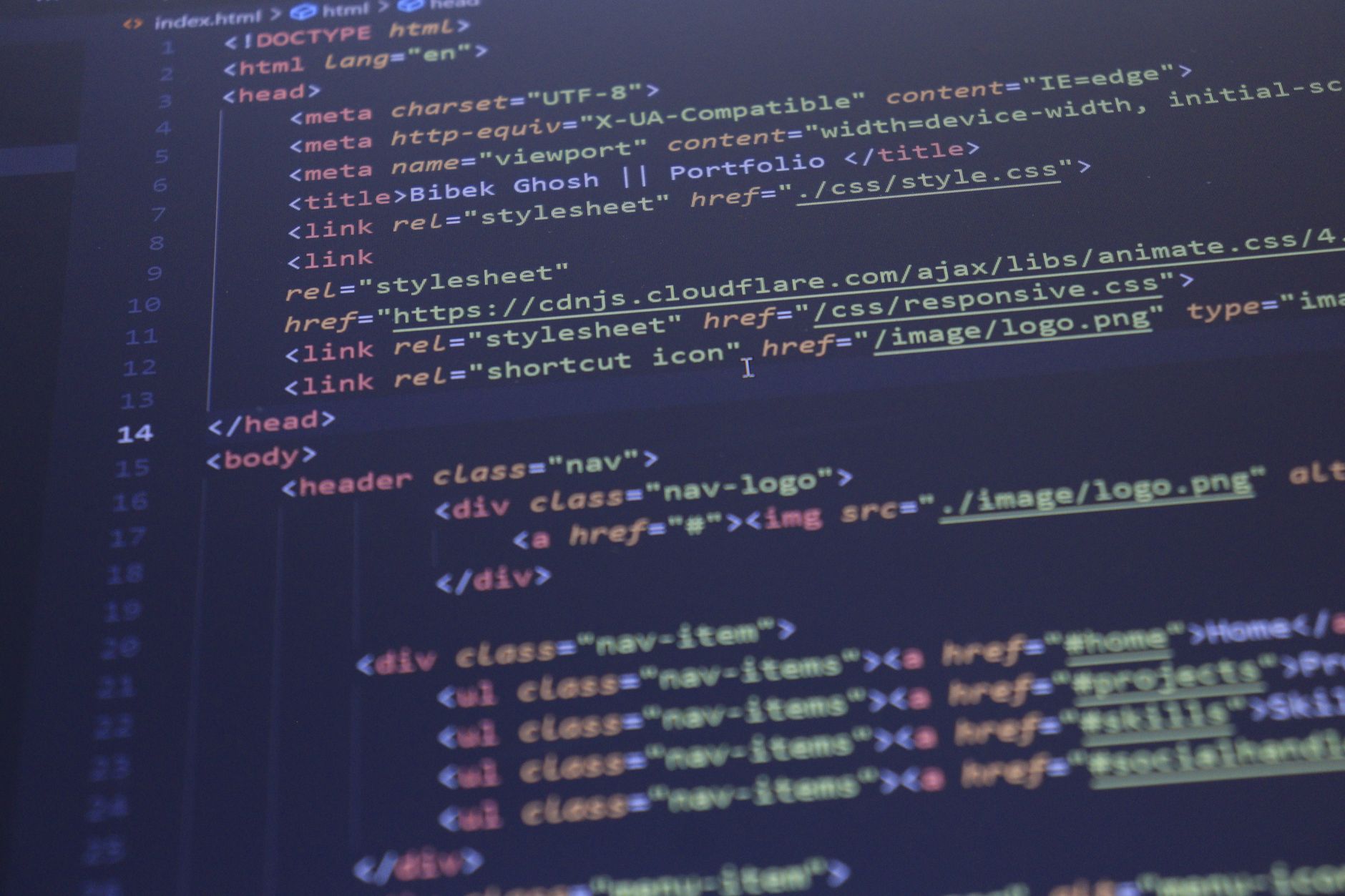
Building a strong foundation in web development is crucial for anyone looking to create a professional online presence. Learning HTML and CSS is the first step towards achieving this goal. With the numerous resources available online, it can be overwhelming to decide where to start. However, with a well-structured HTML CSS tutorial, you can quickly gain the skills needed to create functional and visually appealing websites. In this comprehensive guide, we will walk you through the process of learning HTML and CSS, providing you with the necessary tools and resources to get started.
Introduction to HTML and CSS
HTML (Hypertext Markup Language) and CSS (Cascading Style Sheets) are the building blocks of the web. HTML is used to create the structure and content of a website, while CSS is used to control the layout and visual styling. Together, they form the foundation of web development, allowing developers to create dynamic and interactive websites. With the increasing demand for online presence, the need for skilled web developers has never been higher. By learning HTML and CSS, you can open doors to new career opportunities, including affiliate marketing for beginners and e-commerce website development using platforms like Shopify, which can be learned through a Shopify tutorial.
Getting Started with HTML
HTML is a markup language that uses tags to define elements within a document. These tags are used to wrap around content, providing structure and meaning to the text. To get started with HTML, you'll need a text editor or an integrated development environment (IDE). There are many free online courses and resources available that can help you learn HTML, including Google certificate courses that cover the basics of web development. Once you have a basic understanding of HTML, you can move on to more advanced topics, such as CSS.
Basic HTML Structure
A basic HTML document consists of a few key elements, including the doctype declaration, html, head, and body tags. The doctype declaration specifies the document type, while the html tag defines the root element of the document. The head tag contains metadata about the document, such as the title and character encoding, while the body tag contains the content of the HTML document.
HTML Tags and Attributes
HTML tags are used to define elements within a document, while attributes provide additional information about the element. For example, the p tag is used to define a paragraph, while the href attribute is used to specify the link destination of an anchor tag. Understanding how to use HTML tags and attributes is crucial for creating well-structured and functional websites.
CSS Fundamentals
CSS is used to control the layout and visual styling of a website. It consists of a set of rules, known as styles, that are applied to elements within an HTML document. CSS can be used to change the color, font, and spacing of text, as well as the layout and positioning of elements. With CSS, you can create visually appealing and responsive websites that adapt to different screen sizes and devices.
Selectors and Properties
CSS selectors are used to target specific elements within an HTML document, while properties define the styles that are applied to those elements. For example, the color property is used to specify the text color, while the background-color property is used to specify the background color of an element. Understanding how to use CSS selectors and properties is crucial for creating effective and efficient stylesheets.
Practical Tips and Step-by-Step Guide
Learning HTML and CSS requires practice and hands-on experience. Here are some practical tips and a step-by-step guide to help you get started:
- Start by creating a basic HTML document and adding CSS styles to it.
- Use online resources, such as Google Workspace tutorial, to learn the basics of web development.
- Practice building small projects, such as a personal website or a blog, to gain hands-on experience.
- Use a code editor or IDE to write and debug your code.
- Test your website in different browsers and devices to ensure cross-browser compatibility.
By following these tips and practicing regularly, you can quickly improve your HTML and CSS skills and start building professional-looking websites.
Comparison of Web Development Tools and Resources
There are many web development tools and resources available, each with its own strengths and weaknesses. Here is a comparison table of some popular tools and resources:
| Tool/Resource | Description | Cost |
|---|---|---|
| Google Certificate Courses | Online courses that cover the basics of web development | Free |
| Shopify Tutorial | A tutorial that teaches e-commerce website development using Shopify | Paid |
| Google Workspace Tutorial | A tutorial that teaches the basics of Google Workspace and web development | Free |
| Affiliate Marketing for Beginners | An online course that teaches the basics of affiliate marketing | Paid |
When choosing a web development tool or resource, consider your goals, budget, and level of experience. With the numerous options available, you can find a tool or resource that meets your needs and helps you achieve your goals.
Conclusion and Next Steps
Learning HTML and CSS is a crucial step in web development, and with the numerous resources available, you can quickly gain the skills needed to create functional and visually appealing websites. By following this comprehensive guide, you can get started with HTML and CSS and start building professional-looking websites. Remember to practice regularly, use online resources, and test your website in different browsers and devices to ensure cross-browser compatibility.
Key Takeaways
In this HTML CSS tutorial, we covered the basics of HTML and CSS, including the structure and content of a website, CSS selectors and properties, and practical tips for getting started. We also compared web development tools and resources, including Google certificate courses, Shopify tutorial, and affiliate marketing for beginners. By applying these key takeaways, you can quickly improve your HTML and CSS skills and start building professional-looking websites. Additionally, you can explore other resources, such as free online courses, to further enhance your skills and knowledge in web development.
Frequently Asked Questions
What is the best way to learn HTML and CSS for beginners?
The best way to learn HTML and CSS for beginners is to start with the basics of HTML, including tags, attributes, and elements, and then move on to CSS, learning about selectors, properties, and values. Online tutorials and coding exercises can help you practice and retain the information. Additionally, building small projects, such as a personal website, can help you apply your knowledge and gain practical experience.
How long does it take to learn HTML and CSS?
The time it takes to learn HTML and CSS depends on your dedication, prior experience, and the depth of knowledge you want to acquire. With consistent practice, you can learn the basics of HTML and CSS in a few weeks, but becoming proficient and learning advanced concepts can take several months. It's also important to note that learning HTML and CSS is a continuous process, and you will need to stay up-to-date with the latest developments and updates in the field.
What are the most important HTML and CSS concepts to learn for web development?
Some of the most important HTML concepts to learn include semantic elements, forms, tables, and multimedia elements, while essential CSS concepts include selectors, box model, positioning, and responsive design. Understanding how to use CSS preprocessors like Sass or Less and CSS frameworks like Bootstrap or Tailwind CSS can also be beneficial. Additionally, learning about web accessibility and best practices for writing clean, maintainable code is crucial for web development.
Can I learn HTML and CSS without prior programming experience?
Yes, you can learn HTML and CSS without prior programming experience. HTML and CSS are markup languages and styling languages, respectively, and are relatively easy to learn, even for those without a programming background. Many online resources, tutorials, and coding exercises are designed specifically for beginners, and you can start building simple web pages and projects quickly. As you progress, you can learn more advanced concepts and techniques.
What are the best resources for learning HTML and CSS, such as tutorials, books, and online courses?
Some of the best resources for learning HTML and CSS include online tutorials like FreeCodeCamp, W3Schools, and Mozilla Developer Network, as well as books like "HTML and CSS: Design and Build Websites" by Jon Duckett and "CSS: The Definitive Guide" by Eric A. Meyer. Online courses like those offered on Udemy, Coursera, and Skillshare can also provide structured learning and hands-on practice. Additionally, participating in online communities, such as Reddit's r/learnprogramming and r/webdev, can connect you with other learners and professionals in the field.
How can I practice and improve my HTML and CSS skills?
To practice and improve your HTML and CSS skills, start by building small projects, such as a personal website or a to-do list app. Participate in coding challenges and exercises on platforms like CodePen, HackerRank, or Codewars. You can also contribute to open-source projects on GitHub or work on freelance projects to gain real-world experience. Additionally, learning about web development best practices, such as responsive design, accessibility, and performance optimization, can help you improve your skills and stay up-to-date with industry standards.